 LinkReady
PRODUCT / IPHONE
 PicFelio
PicFelio — Find the words in your photos
A receipt, document, screenshot, or whiteboard is easy to capture and hard to find months later. PicFelio spots text-heavy photos, lets you keep what matters, and finds them again by the words inside.
Available on the App Store. Requirements and pricing are shown in the current listing.
View current App Store release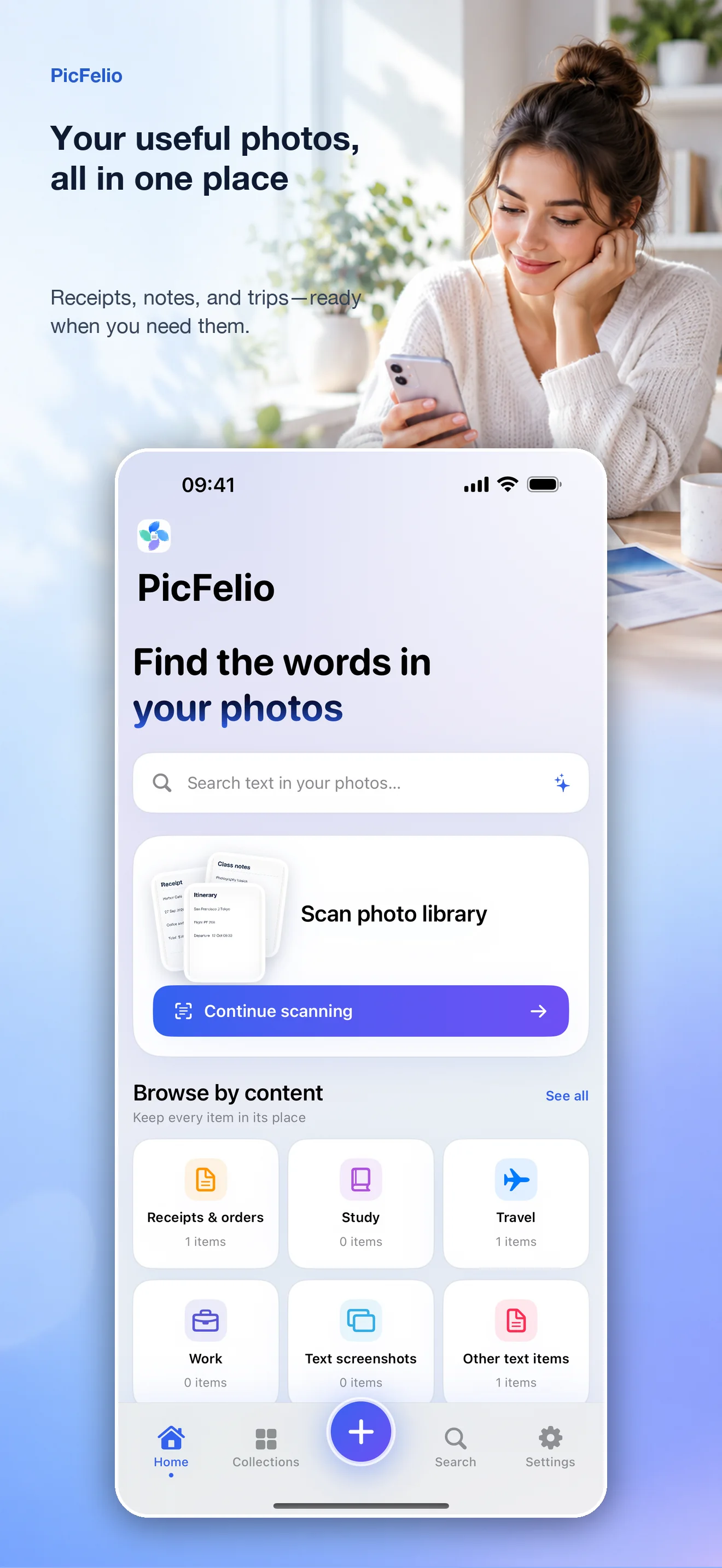
Scan only the photos you allow
Review likely text photos and screenshots from the photos you permit PicFelio to access. Text recognition runs on your device, so you can check the results before saving selected items in batches.
Organize now, find it later
Organize saved photos by content and edit titles, tags, or recognized text. When you need a receipt, document, or whiteboard again, search for words you remember and open the original image to verify the details.
Optional cloud AI and Privacy Mode
The current 1.0 release requires sign-in or account creation to get started. Cloud AI can correct text, identify what a photo shows, and write a description. Privacy Mode pauses cloud analysis and iCloud sync, keeping processing on your device. See the PicFelio Privacy Policy for the data path and processing details.
Questions before downloading
Does PicFelio upload my whole photo library?
No. PicFelio works only with photos you allow it to access, and text recognition runs on your device. Relevant content is sent for processing only after you enable cloud AI and accept its explanation, as described in the privacy policy.
Do I need an account to get started?
Yes. The current public 1.0 release requires you to sign in or create an account. Signing in enables your library, cloud-analysis allowance, and related sync features.
Which system version and pricing apply?
The current App Store listing requires iOS 17.0 or later. The app is free to download and offers optional in-app purchases. Regional availability and prices are shown in the current listing.
Questions or feedback? philonis+support@gmail.com